Self-signed certificates and corporate networks
Company servers often use their own (self-signed) certificates, so AirSCP asks about them every time it meets a new one. You can tell AirSCP how to check each server. The safe choice, Ask, is the default, and a relaxed choice is always visible.
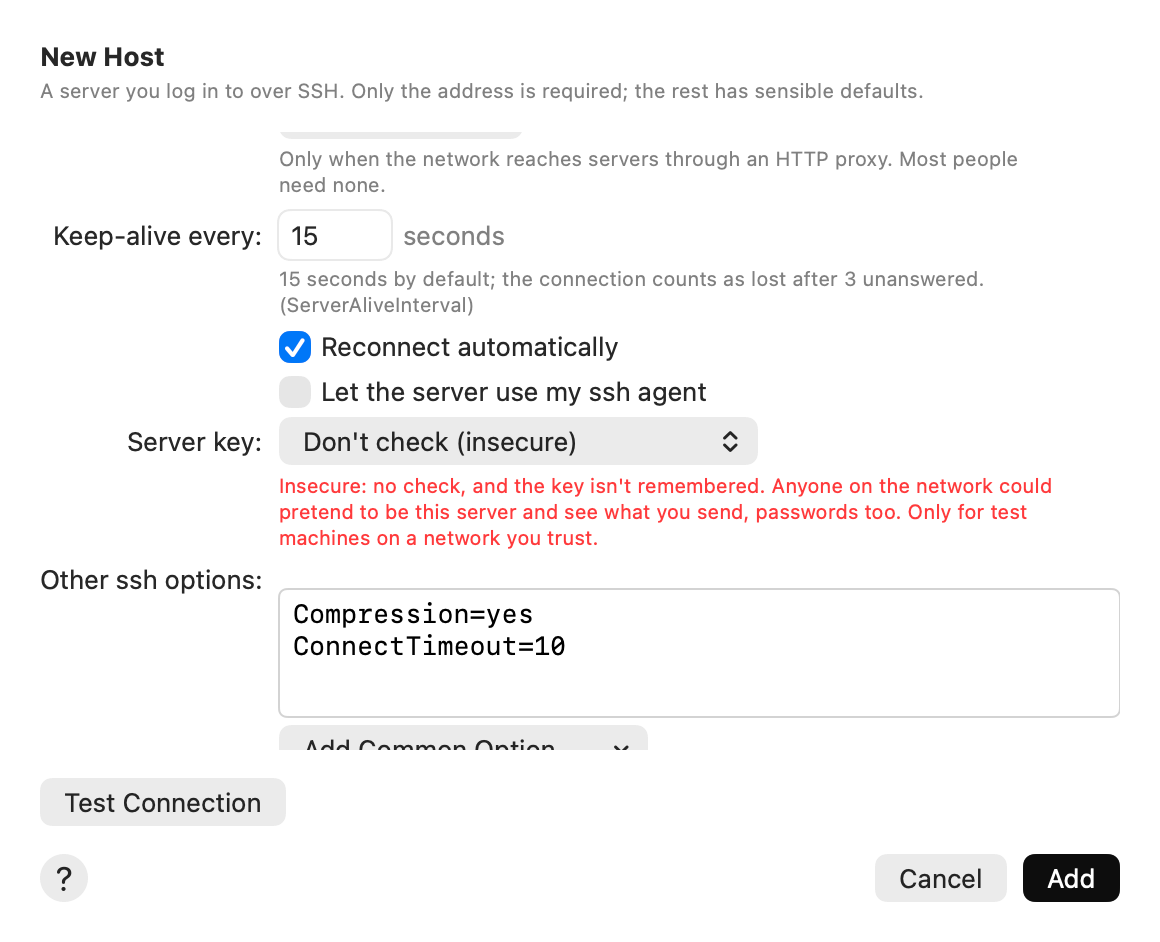
SSH servers: Server key
Edit the host (Host ▸ Edit…), click Advanced, and choose Server key:
| Choice | What happens |
|---|---|
| Ask (default) | AirSCP shows a new server’s key fingerprint for you to trust. A changed key is refused. |
| Trust new servers automatically | A new server’s key is trusted without asking. A changed key is still refused (ssh’s StrictHostKeyChecking=accept-new). |
| Don’t check (insecure) | No check, and the key isn’t remembered. Anyone on the network could pretend to be this server and see what you send, passwords too. Only for test machines on a network you trust. |
Windows desktops: Server certificate
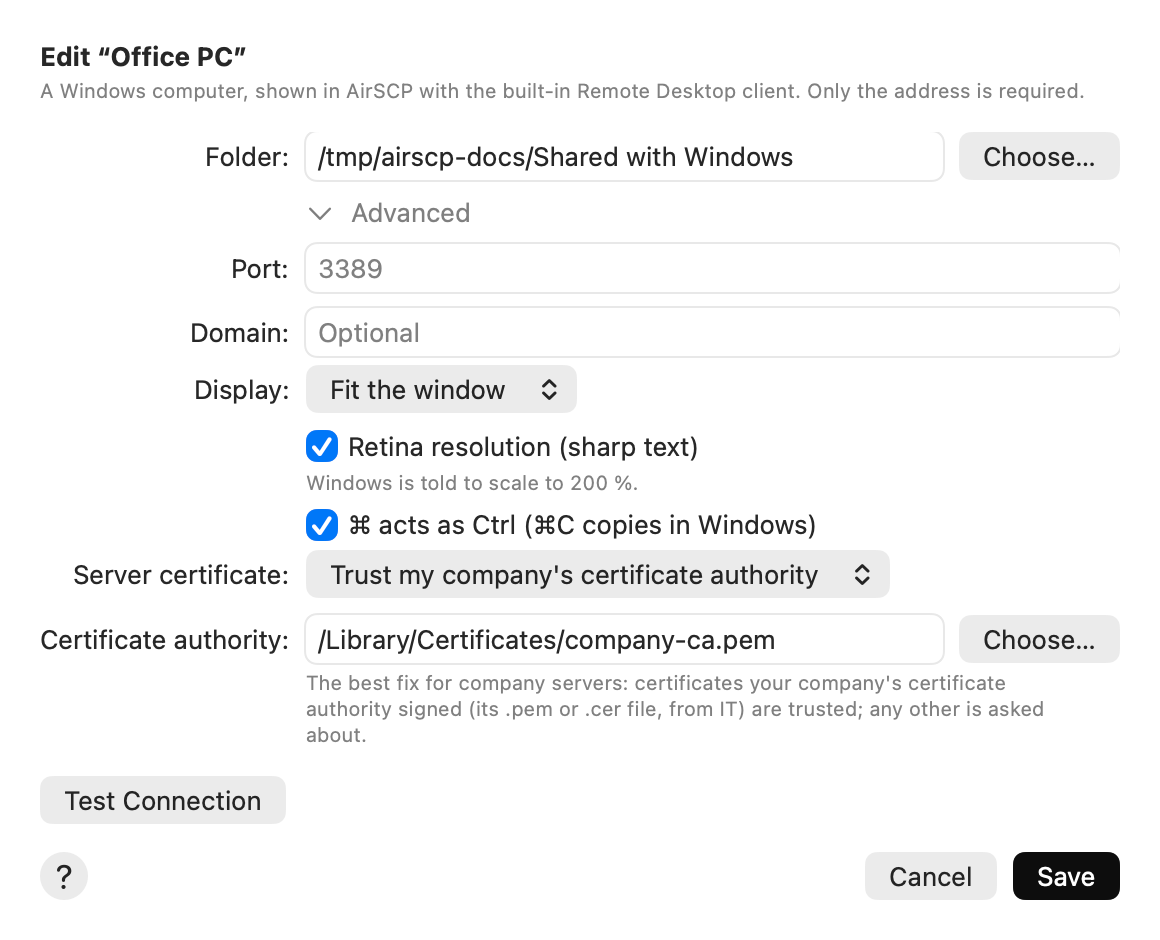
Edit the desktop (Host ▸ Edit…), click Advanced, and choose Server certificate:
| Choice | What happens |
|---|---|
| Ask (default) | AirSCP shows a certificate it doesn’t know yet, with its fingerprint: Always Trust, Trust Once or Cancel. It warns when a trusted certificate changes. |
| Trust automatically | The first certificate is trusted and remembered without a question. A changed one still warns. |
| Don’t check (insecure) | Never asks. Anyone on the network could pretend to be this computer. |
| Trust my company’s certificate authority | Choose your company’s certificate authority file (.pem or .cer, from your IT team). Certificates it signed for the name you connect to are trusted; any other is asked about. This is the best fix for company servers. |
Defaults for new hosts and desktops
AirSCP ▸ Settings… ▸ Security sets the choice for hosts and desktops you add later. Existing ones keep theirs.
Always visible
A host or desktop set to Don’t check shows an orange shield in the sidebar and above its files or desktop. Hover over the shield to read why it is there.
Tips
- Ask your IT team for the company certificate authority file. It is the same file browsers use for internal sites.
- The ? button in the certificate question opens this page.