Run a command
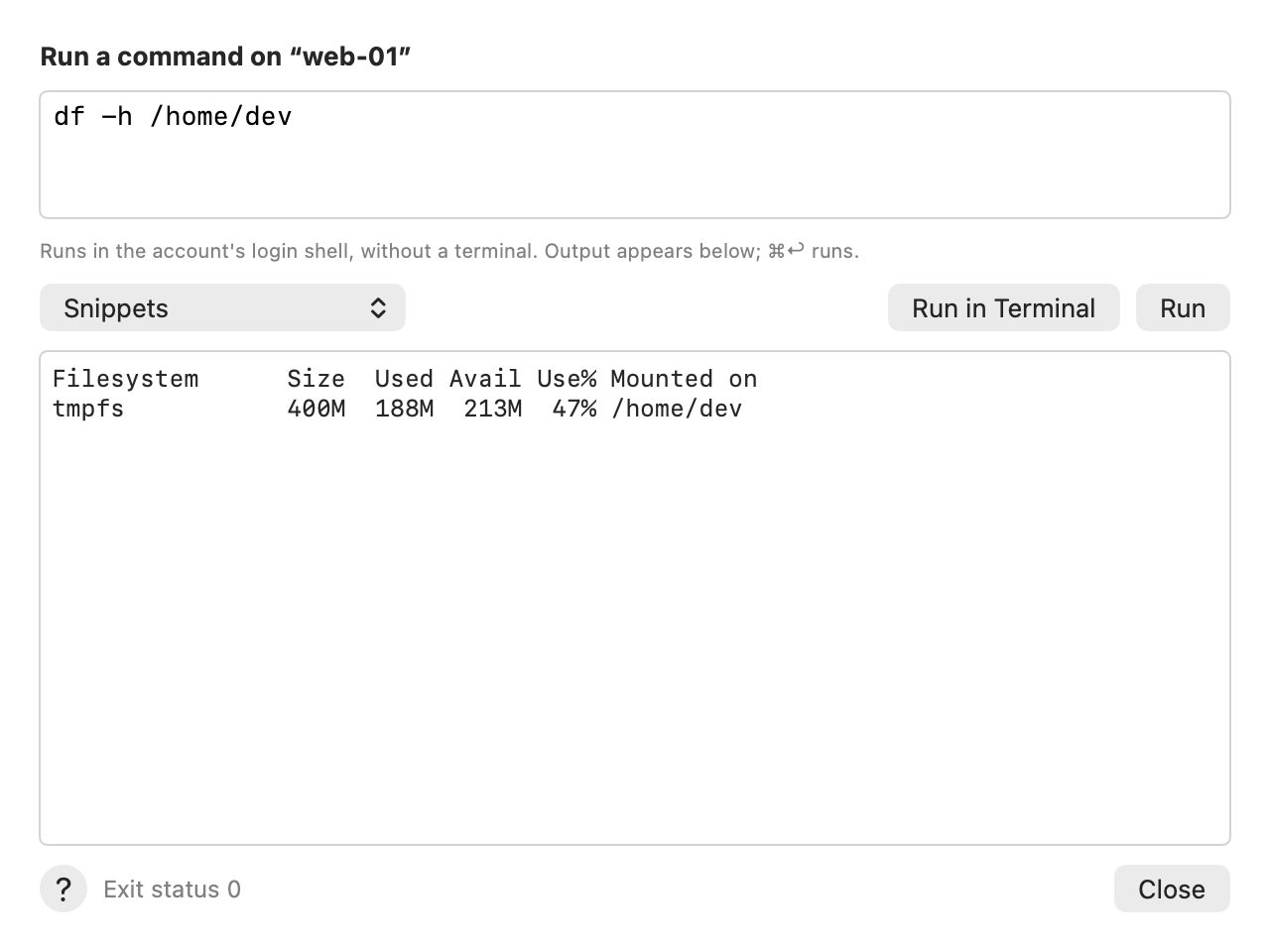
Run one command on a server and read its output right in AirSCP.
Steps
- Select a connected host and choose Host ▸ Run Command… (⇧⌘R), or click Run Command in the toolbar.
- Type the command, for example
df -h. Or pick a saved one from Snippets. - Click Run (⌘↩).
- Read the output. Error output is red. Exit status 0 means it worked.
- Click Close.
Run a script file
Select a script in the server pane and choose File ▸ Run…. Type arguments if it needs any, then click Run to see its output, or Run in Terminal. AirSCP starts it with sh in its folder, whatever your login shell is, so an unusual file name can’t be misread.
Tips
- The command runs in your account’s login shell, without a terminal.
- For
sudo,top, editors and anything that asks questions, click Run in Terminal. - The output shows while the command runs. Stop ends a running command on the server too; what it printed stays.
- AirSCP keeps the last thousand lines of output and of error output.
- File-transfer-only (sftp) accounts can’t run commands: the menu item is greyed out and says why.