Move your hosts to another Mac
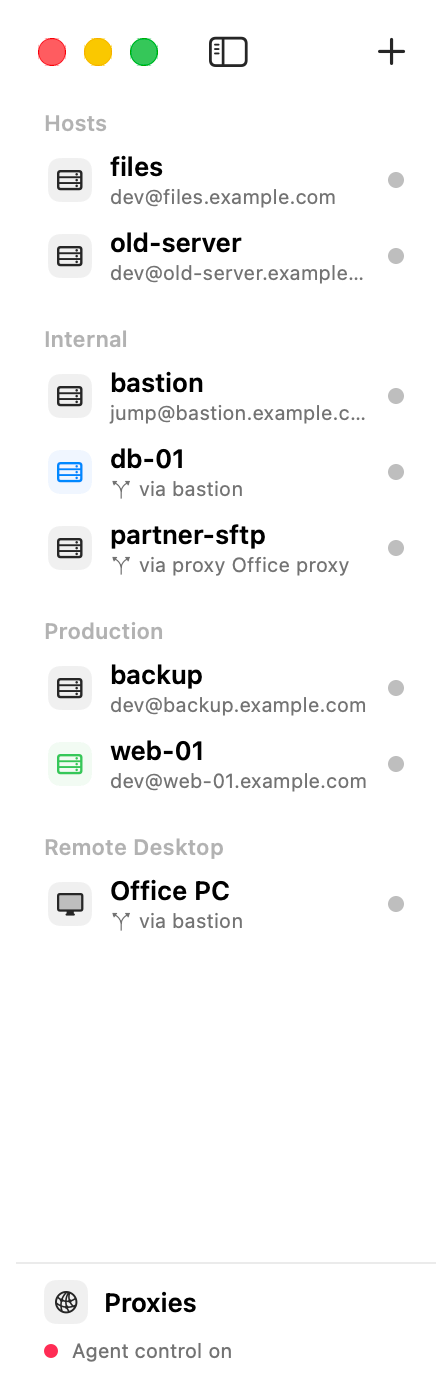
Export your hosts, groups, proxies and Remote Desktop entries to a file, and import that file on another Mac.
Steps
- On the first Mac, choose File ▸ Export Hosts… and save the file.
- Copy the file to the other Mac (AirDrop, a USB stick, a cloud folder).
- On the other Mac, choose File ▸ Import Hosts… and pick the file.
- AirSCP says how many hosts it imported.
Tips
- Passwords are not in the file: they stay in the first Mac’s Keychain. AirSCP asks for them when you connect.
- Key files in your home folder are saved as
~/…, so they work when the other Mac has the same keys in the same place. Copy your keys yourself; AirSCP never puts private keys in the export. - Importing a file again updates the hosts it imported before, instead of adding copies.
- A host’s extra ssh settings can run a program on your Mac when it connects (
ProxyCommand,LocalCommand). When a file has such settings, AirSCP lists them and asks first: Leave Them Out imports the hosts without them. Keep them only if you trust whoever made the file.