AirSCP Help
AirSCP is a Mac app for your servers. You save your servers once. Then you click to connect, and you drag files between your Mac and the server. AirSCP also opens Windows desktops (Remote Desktop), shows what a Linux server is doing, and opens tunnels. You don’t need to type commands.
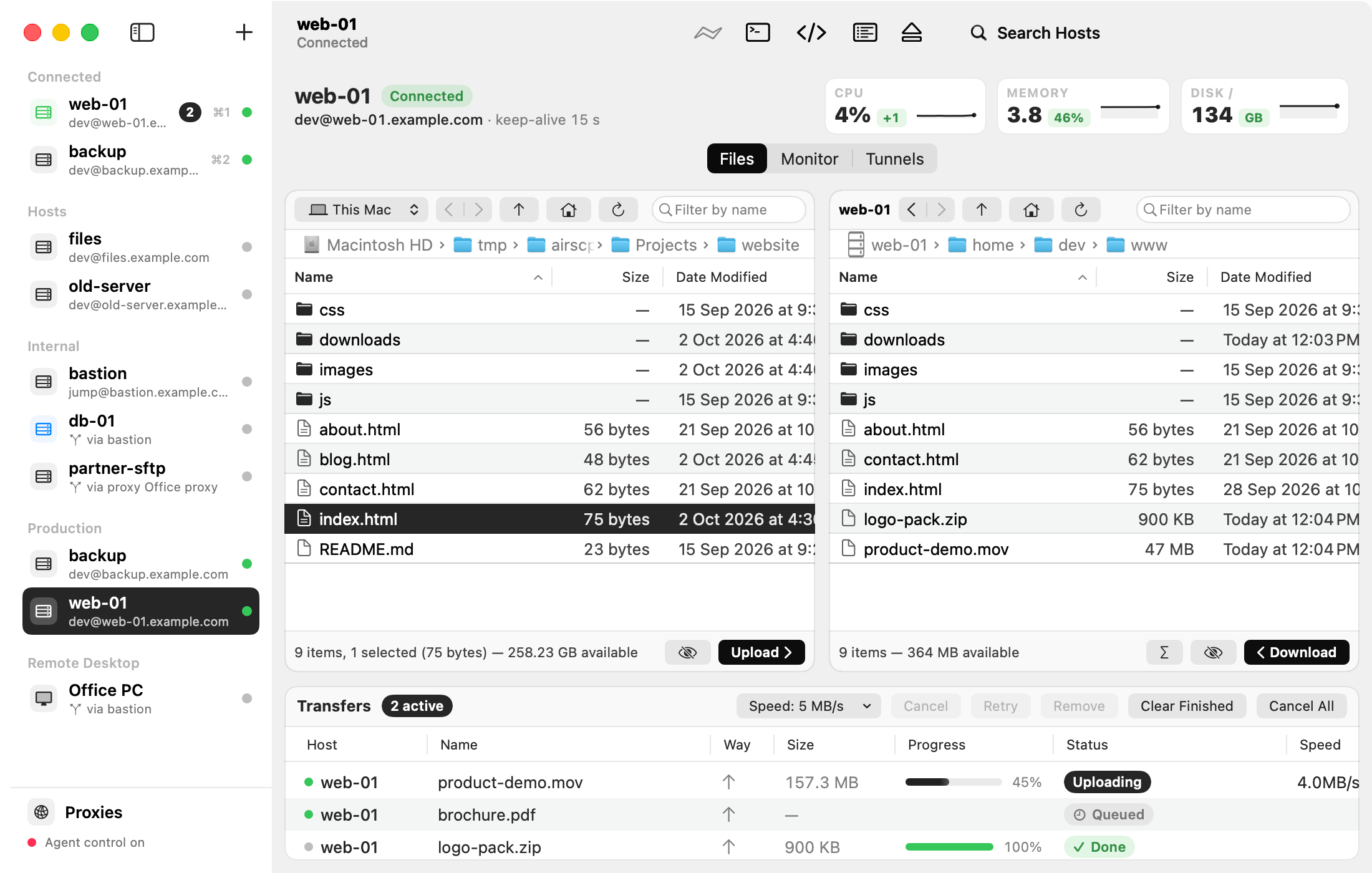
Start here
Find a task
| I want to… | Read |
|---|---|
| Add a server | Add a server |
| Use my ~/.ssh/config | Import hosts from ~/.ssh/config |
| Reach a server behind another server | Connect through a jump host |
| Upload or download files | Copy files |
| Upload a whole folder | Upload a folder |
| Make two folders the same | Synchronize two folders |
| Find a file on a server | Find files on a server |
| Work on a Windows computer | Remote Desktop (Windows) |
| See CPU, memory and processes | Watch a Linux server |
| Reach a database behind a server | Open a tunnel |
| Log in without a password | Make a new key pair |
| Let an AI agent use AirSCP | AI agents (MCP) |
| Fix a problem | Troubleshooting |
Help inside the app
- Hover over any button, field or menu item. A short line says what it does.
- A sheet with several choices has a small ? button. It opens the page about that sheet.
- Help ▸ AirSCP Tips shows short tips, even without the internet.
- Help ▸ Report a Problem opens a short form on GitHub.