Questions and answers
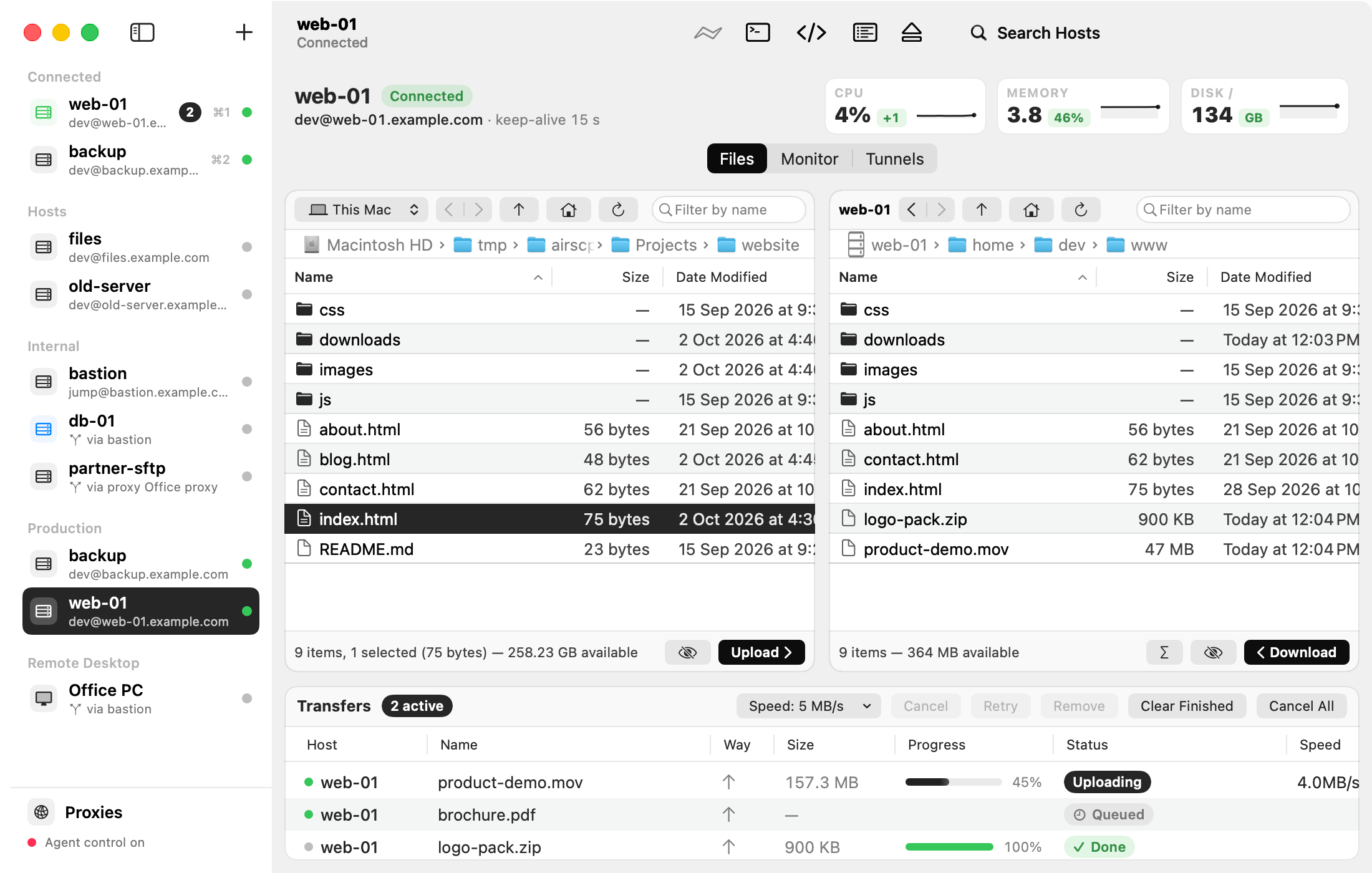
Is AirSCP free? Yes. It is free and open source (Apache 2.0). There is no account and no subscription.
What does it need? macOS 13.1 or later, on Apple silicon or Intel. Nothing else: AirSCP uses the ssh, scp and sftp tools that come with macOS, and has Remote Desktop built in.
Does it change my ~/.ssh/config? No. AirSCP reads it (aliases keep working) and never changes it. New keys go into ~/.ssh only when you make them.
Where are my hosts saved? In ~/Library/Application Support/AirSCP/airscp.json. Passwords are in your login Keychain, never in that file.
Can I see the commands it runs? Yes: View ▸ Show Command Log. Every line can be copied and run in Terminal. See See the commands AirSCP ran.
Does it work with Windows servers? Yes, in two ways. The built-in Remote Desktop opens Windows desktops. And Windows’ own OpenSSH server works for browsing and transfers. Commands, compress and the monitor need a Linux or Mac server.
Does it support FTP, telnet or SOCKS proxies? No. AirSCP is for SSH (scp and sftp) and Remote Desktop. Proxies are HTTP proxies (CONNECT).
Can I sync my hosts between Macs? Not automatically. Use File ▸ Export Hosts… and Import Hosts…. See Move your hosts to another Mac.
Can it keep a folder in sync all the time? No. Synchronize runs when you ask it to.
Is there a built-in terminal? Not yet. Open Terminal opens Terminal or iTerm on the host, without logging in again.
My server is behind another server. Can AirSCP reach it? Yes, through one jump host. See Connect through a jump host.
Can AI agents use it? Yes, when you allow it. See AI agents (MCP).
What’s not included? Mosh, serial connections, editing files as root, jump chains of more than one hop, resuming folder transfers, and Remote Desktop audio, printers, smart cards and multiple monitors.