Find files on a server
Search for files by name in a server folder and in every folder below it.
Steps
- In the server pane, open the folder to search in.
- Choose File ▸ Find Files… (⇧⌘F), or right-click the folder.
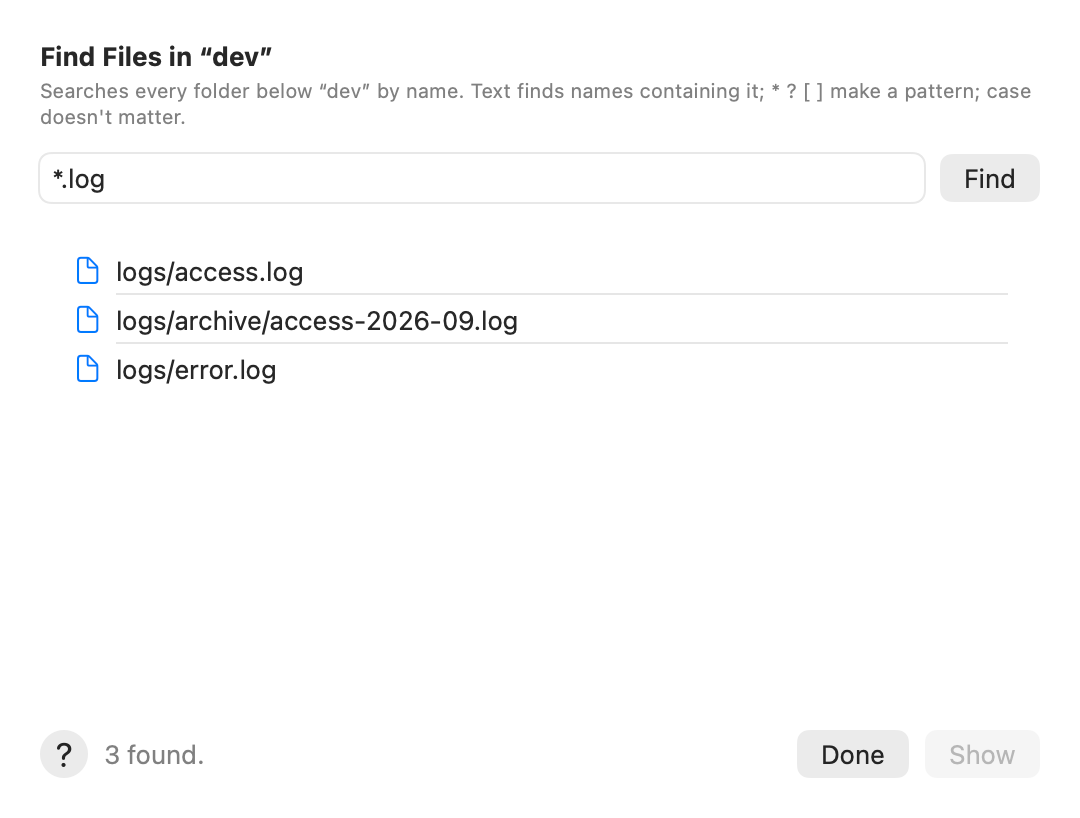
- Type a name, or part of one. Or a pattern, for example
*.log.*,?and[ ]work; case doesn’t matter. - Click Find.
- Select a result and click Show (or double-click it): the pane goes to its folder and selects it.
Tips
- Text without
*or?finds names that contain it:reportfindsreport.pdfandold-report.txt. - Up to 10,000 results. They show as they are found. Stop ends a long search and keeps what it found; Done closes the sheet.
- On servers with a shell, AirSCP runs one
findcommand. On file-transfer-only (sftp) accounts it lists folder after folder, which is slower. - To narrow the files the pane shows instead, use Filter by name at the top of the pane (⌘F).
If something goes wrong
- “Nothing found below …”: try part of the name, or a pattern like
*.log. - Find Files searches servers. For files on your Mac, use Spotlight or Finder.