Connecting
How to save your servers and log in to them: with a key, a password, through a jump host or an HTTP proxy.
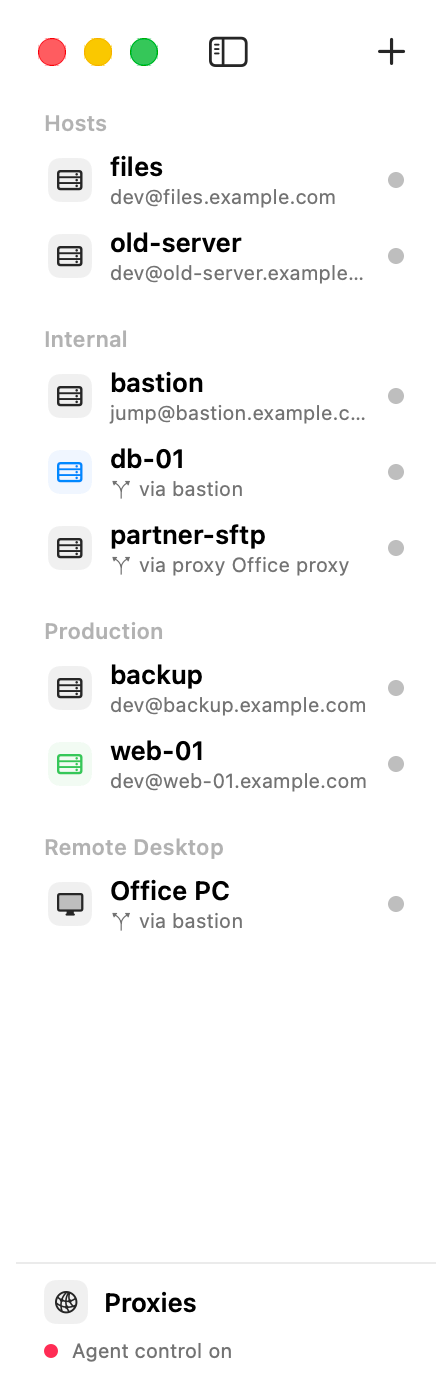
Pages
- Add a server: the host settings, one by one.
- Import hosts from ~/.ssh/config: reuse what you already have.
- Log in with a password, and with two-factor codes.
- Log in with a key: no password to type.
- Trust a server the first time: what the fingerprint question means.
- Connect through a jump host: servers behind a bastion.
- Connect through an HTTP proxy: networks that only go out through a proxy.
- Extra ssh settings: one ssh option per line, with examples.
- Self-signed certificates and corporate networks.
- Stay connected: keep-alive and automatic reconnect.
- Groups, colours and search.
- Move your hosts to another Mac.
Table of contents
- Add a server
- Import hosts from ~/.ssh/config
- Log in with a password
- Log in with a key
- Trust a server the first time
- Connect through a jump host
- Connect through an HTTP proxy
- Extra ssh settings
- Self-signed certificates and corporate networks
- Stay connected
- Groups, colours and search
- Move your hosts to another Mac