Remote Desktop (Windows)
AirSCP has a built-in Remote Desktop client. It opens a Windows computer’s desktop right in AirSCP’s window, with the clipboard and file copying both ways. Nothing else needs to be installed.
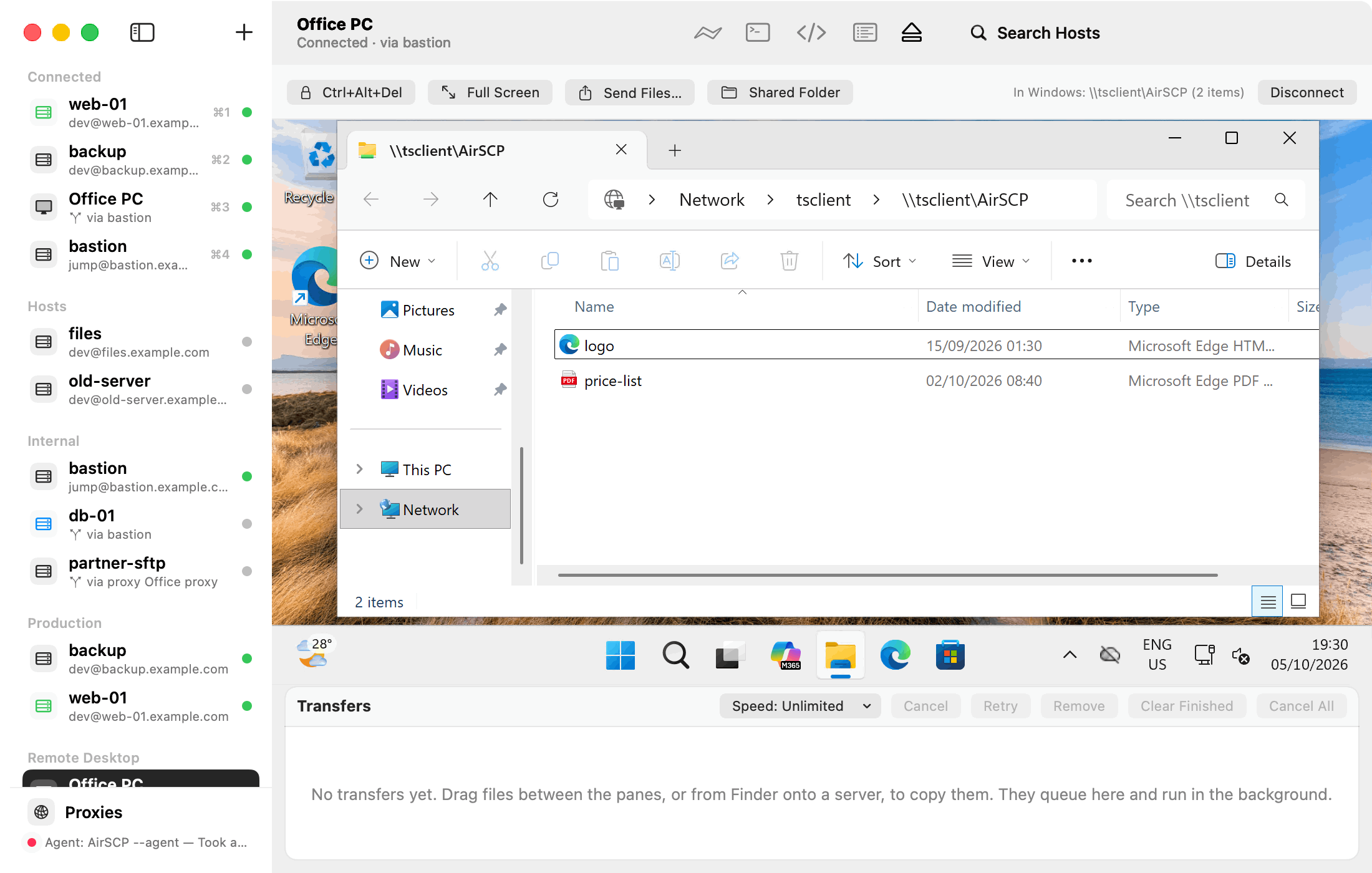
Pages
- Add a Windows computer
- Connect and log in
- Copy files to and from Windows
- Copy and paste between Mac and Windows
- Keyboard, mouse and screen size
- Self-signed certificates and corporate networks
Tips
- Windows must allow Remote Desktop: on the Windows computer, Settings ▸ System ▸ Remote Desktop. Windows Home editions don’t have it.
- A Windows computer behind a server? Set Connect through to that SSH host.