Compress and extract on the server
Make a .zip or .tar.gz archive on the server, or unpack one there. Nothing goes through your Mac.
Steps
Compress
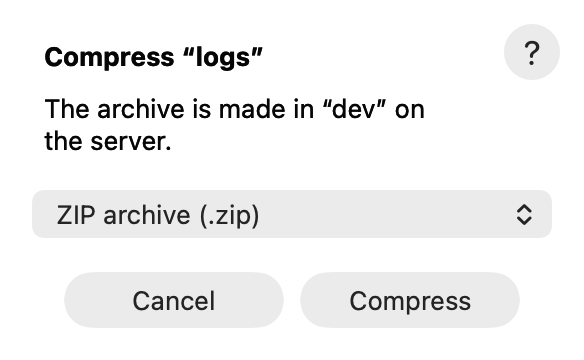
- Select the items and choose File ▸ Compress….
- Choose ZIP archive (.zip) or Gzipped tar archive (.tar.gz).
- Click Compress. The archive appears next to the items.
Extract
- File ▸ Extract Here unpacks the selected archive in its folder. AirSCP asks before it replaces items.
- File ▸ Extract to New Folder unpacks it into a new folder named after the archive.
Tips
- A format the server can’t make is greyed out, and the sheet says why (for example: no
zipon the server). - To get an archive onto your Mac without using space on the server, see Download as one archive.