New folder, rename, duplicate, delete, Get Info
Everyday file commands work on servers like in Finder. Right-click a file, or use the File menu.
Steps
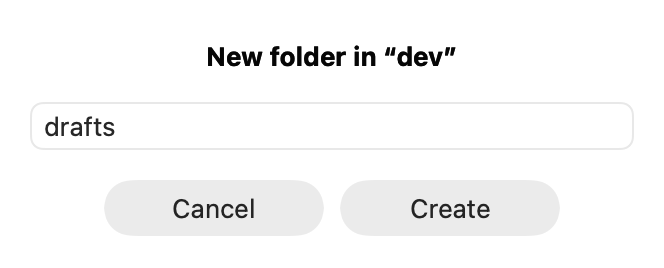
- New folder: File ▸ New Folder… (⇧⌘N). Type a name, click Create.
- New empty file: File ▸ New File….
- Rename: select one item, File ▸ Rename….
- Duplicate: File ▸ Duplicate (⌘D) makes “name 2” next to it.
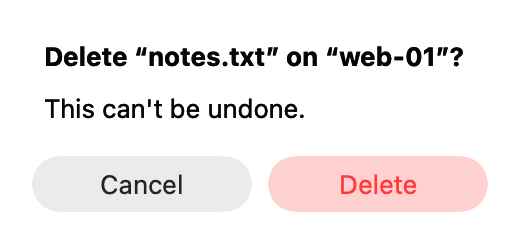
- Delete: File ▸ Delete… (⌘⌫). On a server AirSCP asks first, and names the host. On this Mac, items go to the Trash.
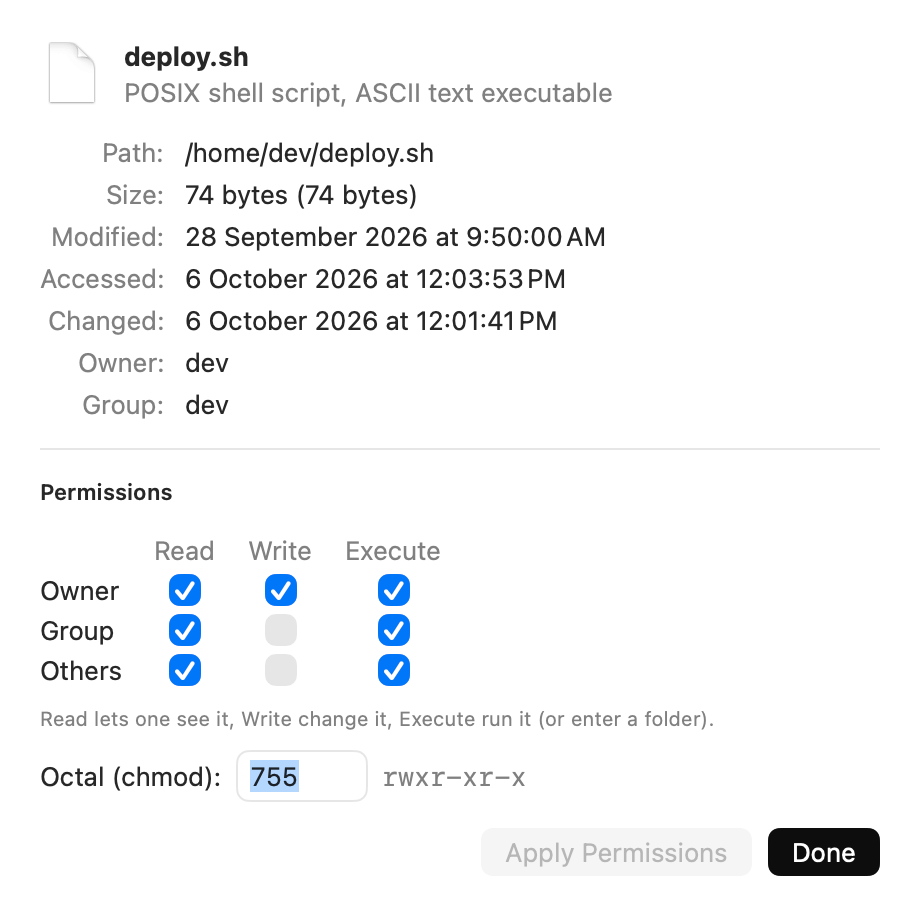
- Get Info: File ▸ Get Info (⌘I) shows the kind, path, size, dates, owner and group, and lets you change the permissions.
- Copy the path: File ▸ Copy Path (⌥⌘C).
Tips
- Delete on a server can’t be undone. Turn the question off only if you are sure: Settings ▸ Ask before deleting on a server.
- Deleting folders works on file-transfer-only (sftp) accounts too.
- A folder that is too big to read whole in Get Info says so.