Download as one archive
Download files and folders as one .tar.gz archive. The server packs it while it sends it, so it needs no free space on the server.
Steps
- Select the items in the server pane.
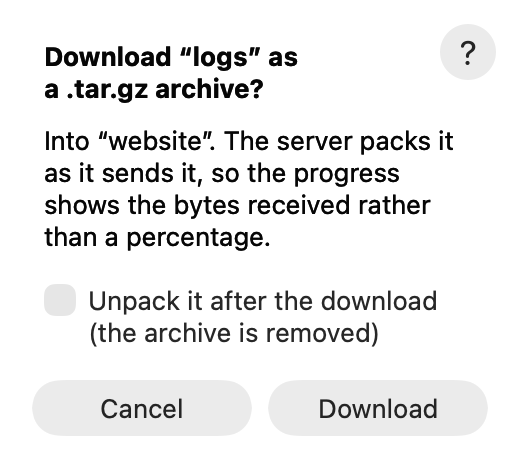
- Choose File ▸ Download as .tar.gz… (or right-click them).
- Optional: tick Unpack it after the download (the archive is removed) to get the items instead of the archive.
- Click Download.
Tips
- The archive goes into the folder the left pane shows. When the left pane shows a server, it goes into your downloads folder (Settings ▸ Downloads folder).
- The progress shows the bytes received, not a percentage: the size is known only at the end.
- The other way round: File ▸ Upload Compressed packs Mac items into one stream and unpacks them on the server.