Put your key on a server
The server must know your public key before you can log in with it. AirSCP adds it for you (like ssh-copy-id).
Steps
- Choose Window ▸ Keys and select the key.
- Click Install on Host….
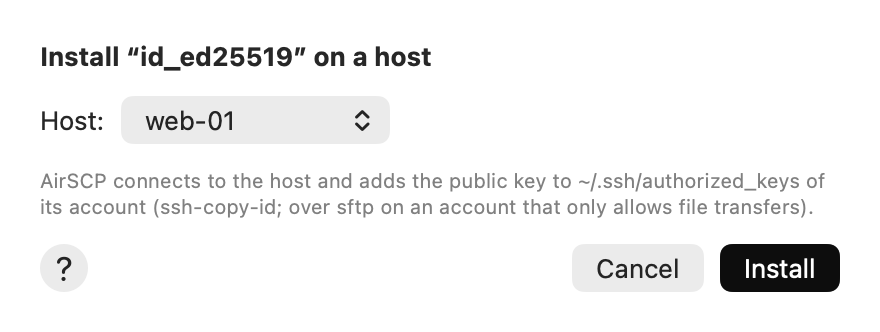
- Choose the Host.
- Click Install. AirSCP connects, asks the server’s password once, and adds the public key to the account’s
~/.ssh/authorized_keys. - Set the host to use the key: Host ▸ Edit… ▸ Log in with.
Tips
- Accounts that allow file transfers only (sftp) work too: AirSCP adds the key over sftp.
- Made the key from a host’s settings? Its result sheet has Install on This Host and Use for This Host.
- Your server has a web console instead (cloud providers)? Use Copy Public Key and paste it there.