Privacy and security
AirSCP keeps your servers, files and passwords on your Mac.
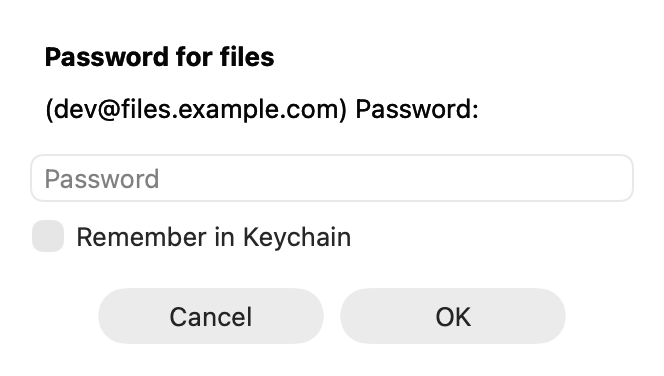
What stays on your Mac
- No account, no tracking: AirSCP sends nothing about you or your use anywhere. It connects only to the servers and computers you choose.
- Hosts and settings: in
~/Library/Application Support/AirSCP/airscp.json. - Passwords: in your login Keychain, one item named
com.kleash.airscp, and only when you tick Remember. - Exports (File ▸ Export Hosts…) never contain passwords or private keys.
How connections are protected
- AirSCP uses the OpenSSH tools that come with macOS. Your keys never leave your Mac.
- New servers are trusted only after you check their fingerprint (Ask, the default). A changed server key is refused. See Trust a server the first time.
- A host or desktop whose checks you turned off shows an orange shield, so it is never forgotten. See Self-signed certificates and corporate networks.
- Passwords reach ssh through AirSCP’s own private channel, never on a command line, where other programs could read them. Saved passwords are given only to the ssh processes AirSCP started.
- Copies arrive under a temporary name and replace a file only when they are complete.
AI agents
- Off by default. When on, only programs of your own user account on this Mac can connect.
- Agents never see saved passwords, and AirSCP’s questions (Delete, Trust) stay in the way.
- The sidebar shows when an agent is connected and what it did. See AI agents (MCP).
Report a security problem
Please don’t open a public issue: follow the security policy (SECURITY.md) in AirSCP’s repository.