Save commands as snippets
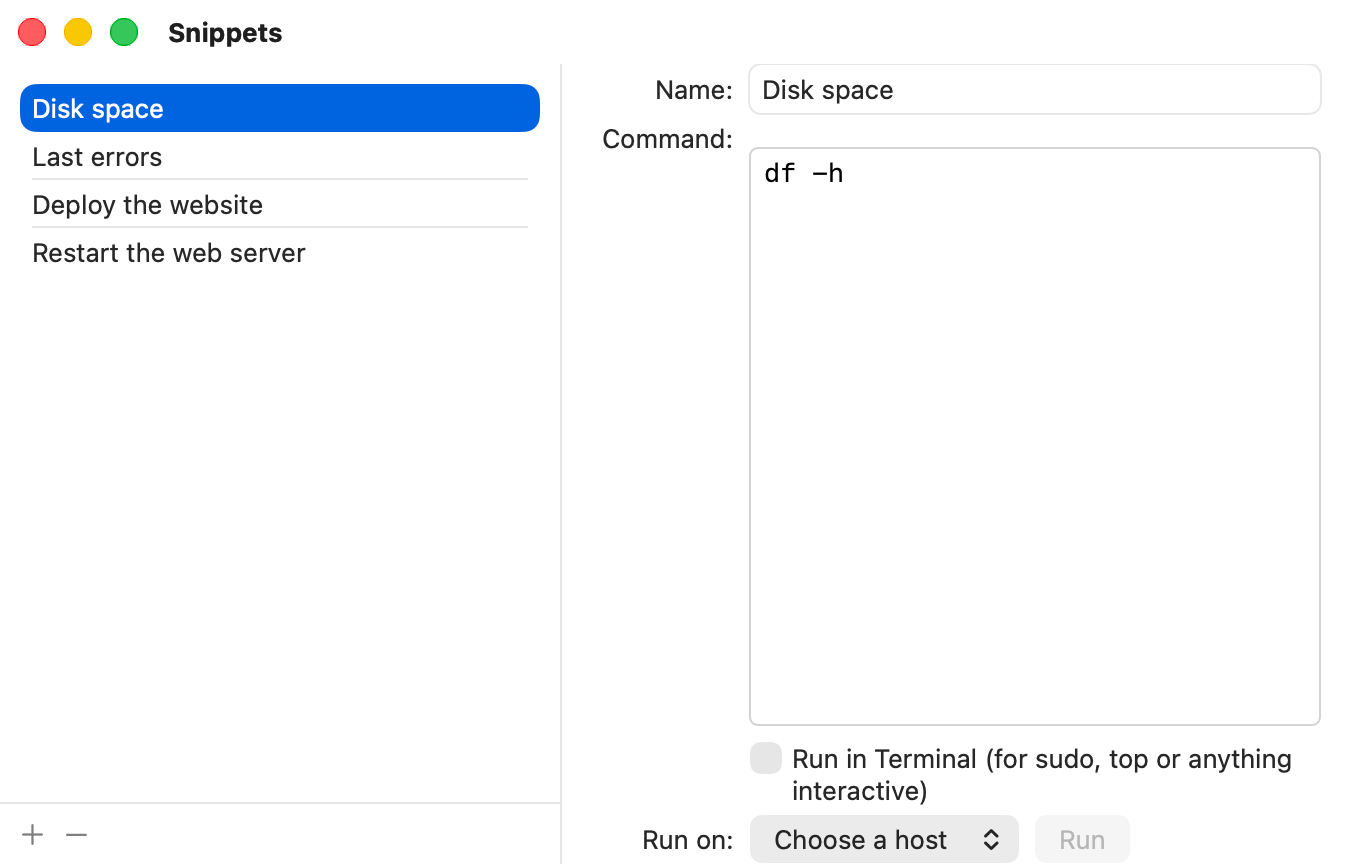
A snippet is a command you run often, saved with a name. You choose the host each time you run it.
Steps
- Choose Window ▸ Snippets.
- Click + to add a snippet. Type a Name and the Command.
- Tick Run in Terminal for commands like
sudoortop. - To run it: choose a host under Run on, then click Run. The output appears in a Run Command sheet.
Tips
- The Run Command sheet has your snippets in its Snippets pop-up.
- − deletes the selected snippet.