Open a terminal
Open an ssh session to a host in Terminal or iTerm. It rides on AirSCP’s open connection, so you don’t log in again.
Steps
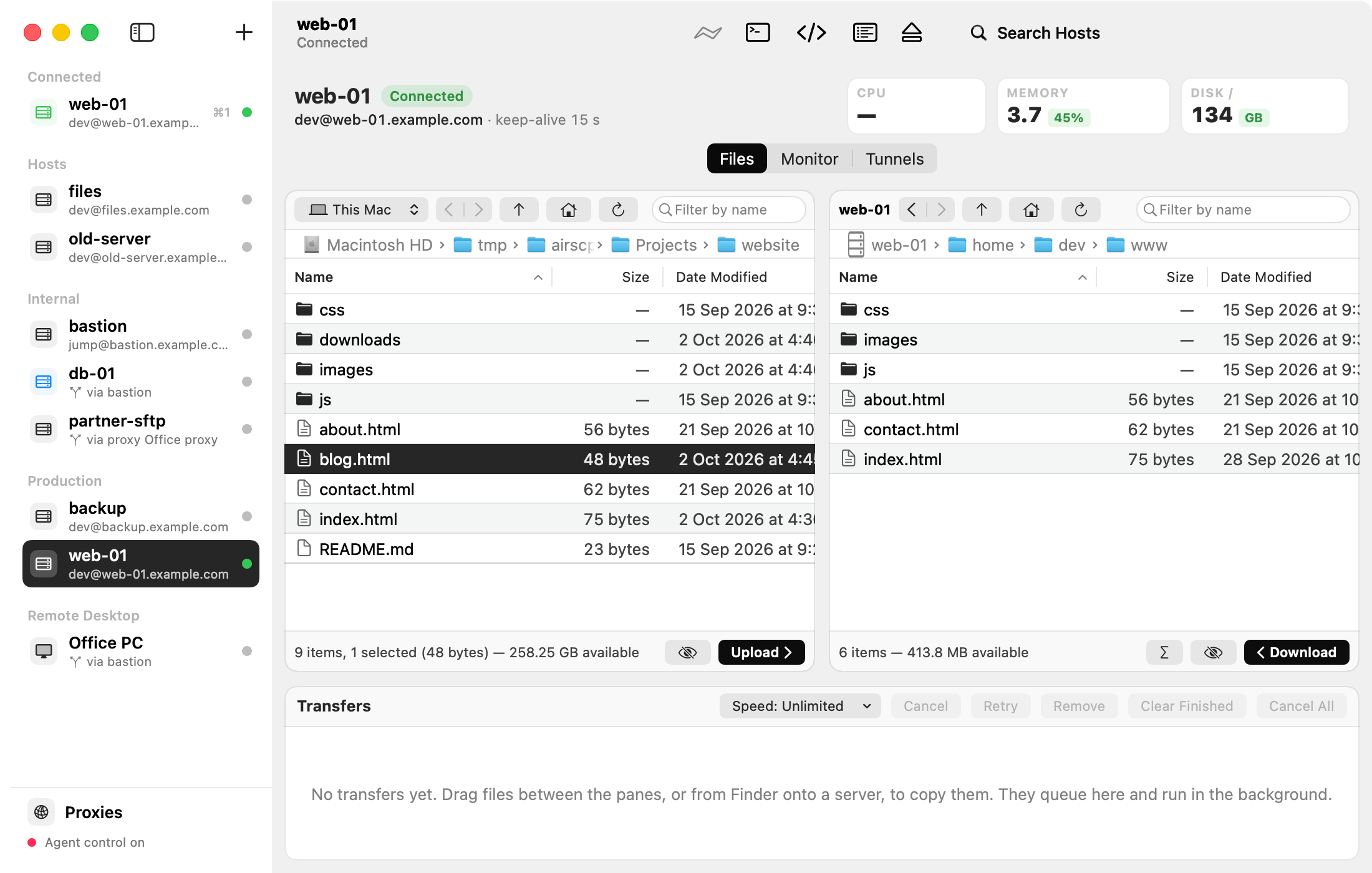
- Host ▸ Open Terminal (⌘T), or the Open Terminal button in the toolbar.
- To start in the folder you are looking at: right-click in the server pane and choose Open Terminal Here (⌥⌘T).
- To use iTerm instead of Terminal: AirSCP ▸ Settings… ▸ Open terminals in.
Tips
- macOS asks once whether AirSCP may control iTerm. Click Allow.
- Host ▸ Copy ssh Command (⇧⌘C) copies the ssh command line, to paste into any terminal. It is off for a host behind an HTTP proxy (only AirSCP reaches the proxy): use Host ▸ Open Terminal for it.