Files
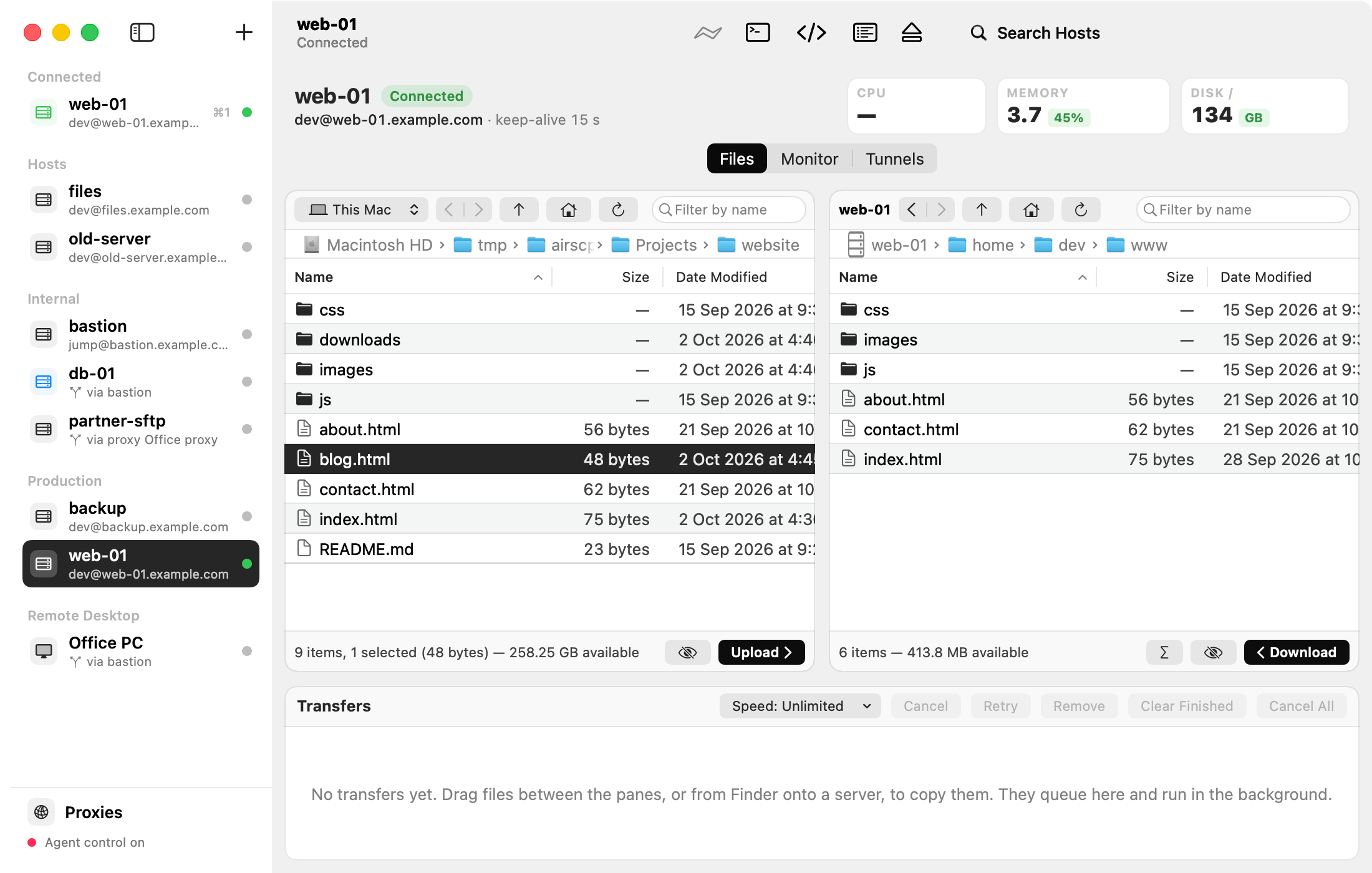
The Files tab has two panes. The left pane shows this Mac (or another connected server). The right pane shows the selected server. Drag between them to copy.
Pages
- Browse a server’s folders: go to folders, filter, hidden files, columns, favourites.
- Copy files: upload and download.
- Upload a folder: one stream, compress, leave out.
- When a file already exists: Replace, Keep Both or Skip.
- Copy between two servers.
- Open and edit a server file.
- New folder, rename, duplicate, delete, Get Info.
- Change permissions.
- Compress and extract on the server.
Tips
- Right-click a file for everything you can do with it.
- A command that a server can’t run is greyed out, and its tooltip says why (for example an account that allows file transfers only).