Change permissions
Permissions say who may read, change and run a file on a server (chmod).
Steps
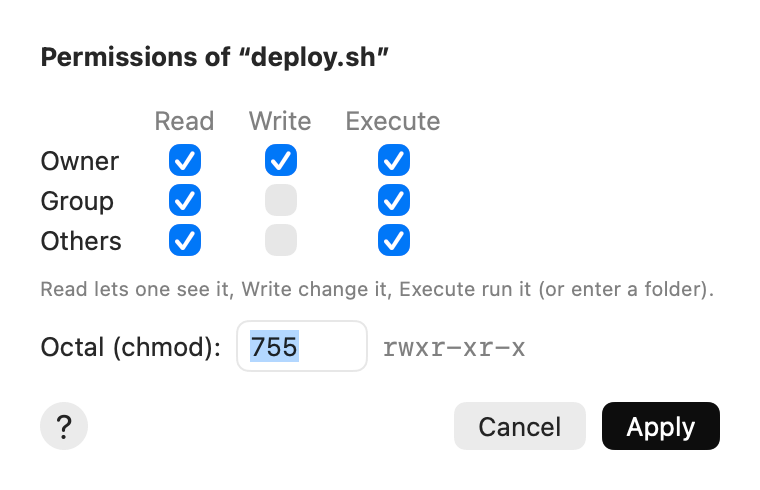
- Select the items and choose File ▸ Permissions….
- Tick the boxes: Read, Write and Execute, for the Owner, the Group and Others. Or type the number in Octal (chmod), for example
755or644. - For folders: tick Change everything in the folders too to change what is inside as well.
- Click Apply.
Tips
- Read lets someone see the file, Write change it, Execute run it (or enter a folder).
- File ▸ Make Executable is a shortcut for
chmod +x: a script can then run. - When you change a whole folder, folders keep their Execute box where they can be read, so a mode like
640doesn’t lock you out of them. - A symbolic link has its target’s permissions: change those on the target.